
💾 Why SMBs Need Strong Backup Solutions More Than Ever
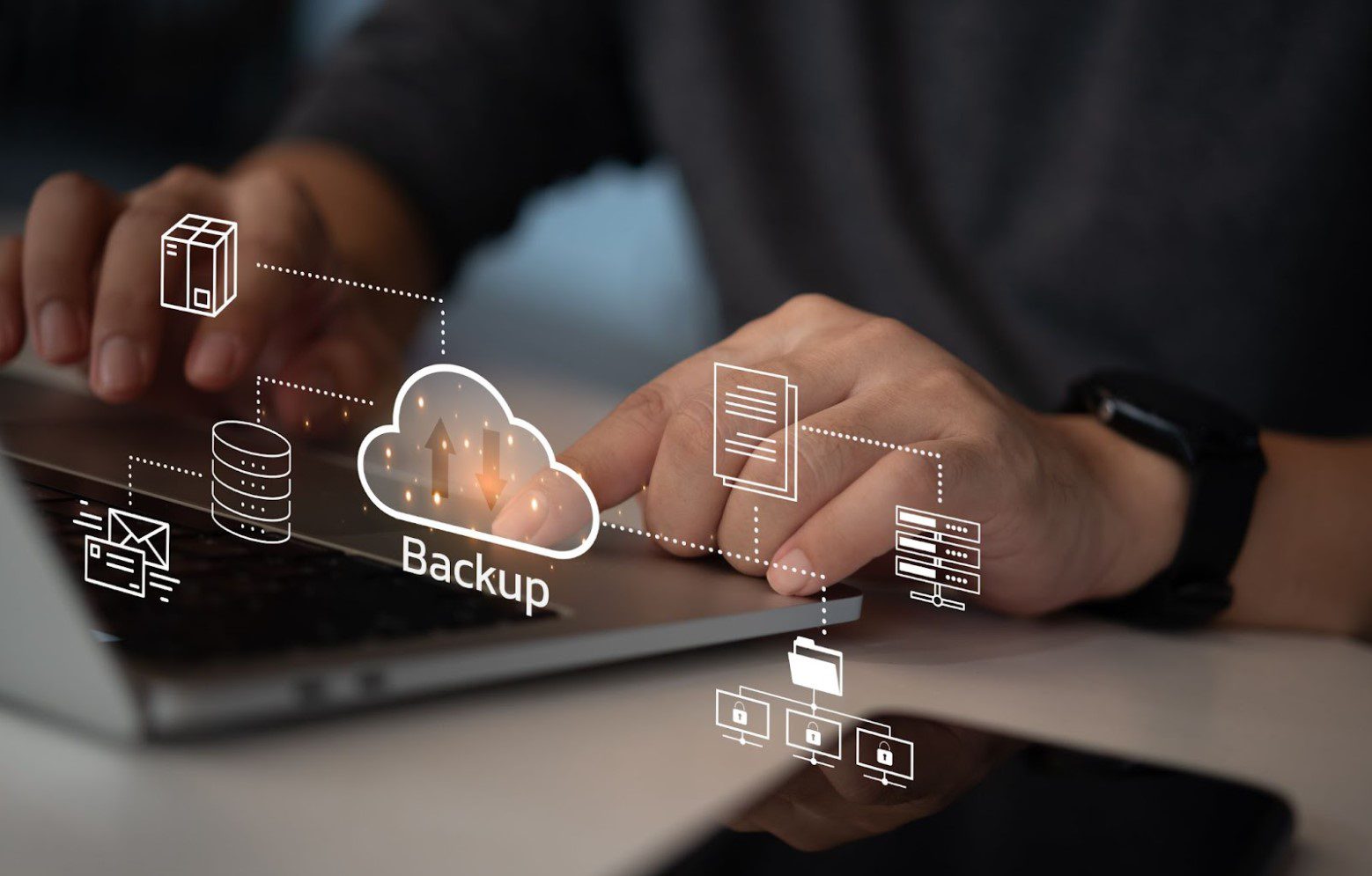
Small and medium businesses often underestimate the importance of a reliable backup strategy—until something goes wrong. Cyberattacks, system failures, accidental deletions, ransomware, and hardware breakdowns can strike at any time, threatening critical business data. For SMBs, even a few hours of downtime can lead to significant financial losses, disrupted operations, and damage to customer trust. Unlike large enterprises, smaller organizations may not have full IT teams dedicated to recovery planning, making the right backup solution essential for survival. A strong backup system ensures that important files, applications, and server environments are safely stored and quickly restorable. By investing in modern backup technology, SMBs protect themselves from unexpected disasters and build a foundation for long-term operational stability.
☁️ Cloud Backup Services for Scalable, Cost‑Effective Protection
Cloud-based backup solutions are becoming the top choice for small and medium businesses because they offer scalability, affordability, and accessibility. With cloud backups, data is encrypted and stored off-site, meaning local disasters like fire, flooding, or hardware failure won’t wipe out your business information. Cloud services also allow SMBs to pay only for the storage they need, making budgeting easier and more predictable. Companies can restore data from anywhere, at any time, reducing downtime and improving resilience. This flexibility is especially useful for businesses adopting remote or hybrid work models. Cloud backups also remove the need to manage physical storage, reducing IT workload and minimizing human error.
🔐 Hybrid Backup Solutions for Maximum Reliability and Flexibility
Hybrid backup solutions combine the best of both worlds: local backups for fast restore times and cloud backups for off‑site protection. For SMBs that rely heavily on daily operations and cannot afford long system outages, hybrid systems provide unmatched reliability. Local backups allow quick file recovery, while the cloud component safeguards against catastrophic events and ransomware attacks. This dual-layer approach gives businesses confidence in knowing that if one system fails, the other is ready to take over immediately. Hybrid backup solutions make compliance easier as well, offering multiple retention options, automated schedules, and long-term archiving capabilities that meet industry requirements.
🖥️ On‑Premise Backup Appliances Designed for Fast Data Recovery
Some SMBs prefer on-premise backup appliances because they offer extremely fast restore speeds and complete control over their data. These systems usually include network‑attached storage (NAS) devices, dedicated backup servers, or external drives configured for automatic data synchronization. On‑premise solutions can be ideal for businesses with large file sizes, sensitive data, or limited internet bandwidth. They eliminate dependency on cloud upload speeds and reduce downtime during local recovery operations. While they require more upfront investment and maintenance, their performance and speed make them valuable in environments where immediate data access is crucial. For many SMBs, pairing on-prem systems with cloud backups creates a strong, balanced solution.
🧩 Image‑Based Backups for Full System Recovery
Image‑based backups don’t just save files—they capture an entire system, including operating system configurations, applications, settings, and permissions. This allows SMBs to restore full systems quickly after an attack, crash, or corruption. Image-based backups are ideal for businesses that need to restore servers, desktops, or virtual machines without wasting hours reinstalling software and reconfiguring settings. This method is especially useful for environments that cannot afford system reinstallation delays, such as healthcare offices, financial firms, legal practices, and service-based companies. With image-based backups, businesses dramatically reduce downtime, ensuring they can return to full operations efficiently and with minimal complexity.
🚀 Continuous Data Protection (CDP) for Real-Time Backup Needs
Continuous Data Protection (CDP) solutions take backups to the next level by saving data changes in real time or at very short intervals. Instead of waiting for daily or weekly backup schedules, CDP ensures every update, edit, or transaction is preserved almost instantly. This is extremely valuable for SMBs with high‑activity databases, customer portals, or mission-critical applications where losing even a few minutes of data could be costly. CDP minimizes data loss, supports fast restores, and helps businesses maintain consistent operations regardless of sudden failures. For growing SMBs that rely on up‑to‑date information, CDP adds a powerful layer of protection that traditional backups can’t match.
📊 Choosing the Right Backup Strategy for Your Business
Selecting the right backup solution requires understanding your business’s size, budget, risk tolerance, workflow, and data volume. Every SMB has different needs—some prioritize cloud convenience, while others require the speed of local appliances or the precision of image‑based systems. A strong strategy often combines multiple backup methods to create layers of protection that ensure business continuity. Consider factors like recovery time objectives (RTO), recovery point objectives (RPO), and compliance standards. Investing in a tailored, reliable backup solution is not just about protecting files—it’s about safeguarding your business’s future, ensuring that no matter what happens, your operations continue smoothly and confidently.

